
SnipIT 1.01 is a plug-in for Internet Explorer that lets you email selected text.
This plugin supports Microsoft Outlook, Microsoft Hotmail, Yahoo Mail, Gmail and default installed MailTo client in Internet Explorer as e-mail client options.
You can check which is your Internet Explorer Default Mail Client by entering in Tools/Internet Options/Programs. The program indicated in Email Box is your default IE mail client. If you don´t have one, you can choose the one you want to use.
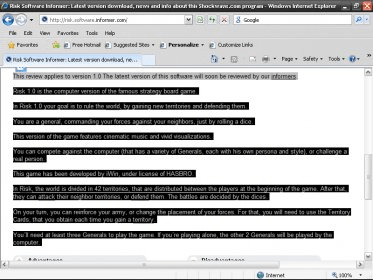
To use SnipIT, you must open the webpage you´ll like in Internet Explorer and select the text you want to send as email.
Then, you must click the right button of your mouse. That will open a menu showing the list of available email clients. Select the client you want to use.
That will open your email program. The selected test will become the Body of your message. The Subject of the message will be taken from the document´s title.
If the text is too long, SnipIt will end the message with this text "For Additional reading please refer..." and then it will include a hyperlink to the original web page.






Comments